Dev Story
How I Built a Pitch Deck Entirely from Code
No Figma. No PowerPoint. Just Claude Code, HTML, and a terminal. Here's how I generated a full 12-slide investor pitch deck from my Flutter codebase.
by Youcef ·
No Figma. No PowerPoint. No Canva. Just a terminal, Claude Code, and the codebase itself.
The result: a 12-slide pitch deck, deployed live, with images — built in one session.
The Context
I’m building Muse Otter for the RevenueCat Shipyard 2026 hackathon. Deadline: February 12th.
I had 24 days to build the app. I wasn’t going to spend a day on slides.
The problem: I needed a pitch deck. The solution: my codebase already had all the answers.
The Source Material
Everything the deck needed was already written — not in a Google Doc, but in my project files:
_bmad-output/project-brief.md     ← Vision, coaches, monetization
_bmad-output/planning-artifacts/prd.md  ← 64 user stories, 7 epics
context/project-context.md         ← Architecture rules, patterns
lib/core/utils/theme/app_colors.dart    ← Exact brand colors
lib/core/utils/theme/app_gradients.dart ← Coach color palette
assets/images/logo_no_bg.webp      ← The otter logo
The PRD had the feature list. The project brief had the market positioning. The architecture doc had the tech stack. The theme files had the exact hex codes.
Why open Figma when app_colors.dart is right there?
The Process
Step 1: Feed the Context
I pointed Claude Code at my context/ and _bmad-output/ folders — the same docs I used to build the app. It read the project brief, PRD, architecture, and monetization strategy.
No copy-pasting. No briefing document. The code IS the brief.
Step 2: Generate a Self-Contained HTML File
The first approach was to use a remote rendering CLI tool. It was down. Plan B: a single HTML file with everything inline.
pitch-deck.html
├── 12 slides (1920×1080)
├── CSS (app colors, coach gradients)
├── Arrow key navigation
├── Auto-scaling to any screen
└── Zero dependencies
One file. Open it in a browser. Done.
Step 3: Pull Real Brand Colors
This is the part I love. Instead of eyeballing colors, the deck pulls directly from the Flutter theme:
// From app_colors.dart
static const darkBackground = Color(0xFF000000);
static const darkSurface = Color(0xFF1C1C1E);
static const darkSecondaryText = Color(0xFF8E8E93);

// From app_gradients.dart
static const origamiPaper = Color(0xFFF5F2E8);  // ← Primary accent
The pitch deck uses the exact same colors as the app. Black background, cream accent, dark surface cards. When you see the deck and then open the app, they feel like the same product.
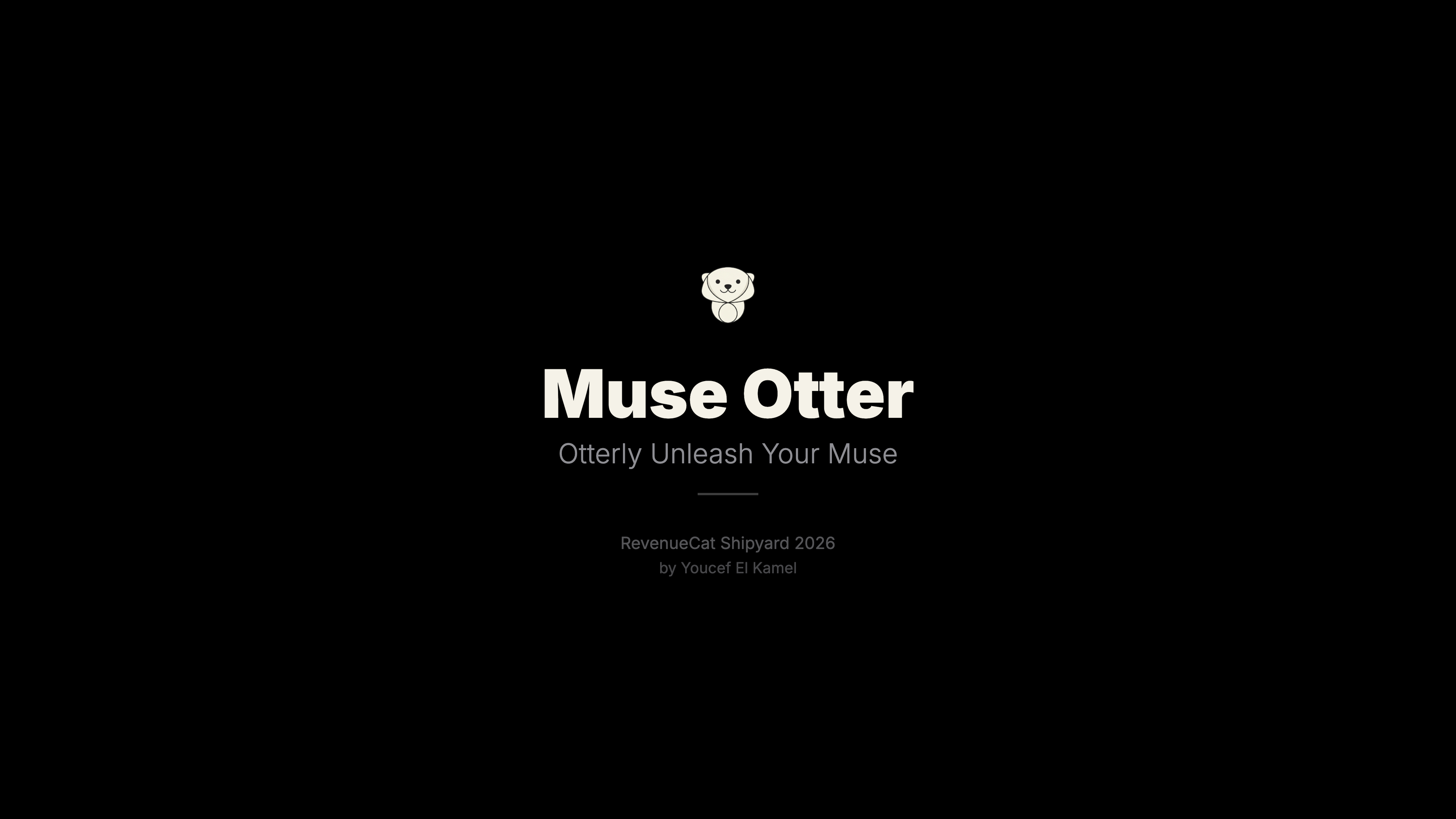 Title slide — same colors as the app's dark mode
Step 4: Match the Voiceover
I had already recorded a voiceover for the demo video. The narrative followed a specific flow:
- Hook — “If you’re a creative or entrepreneur…”
- Problem — Generic chatbots have no memory
- Know You — Personal context system
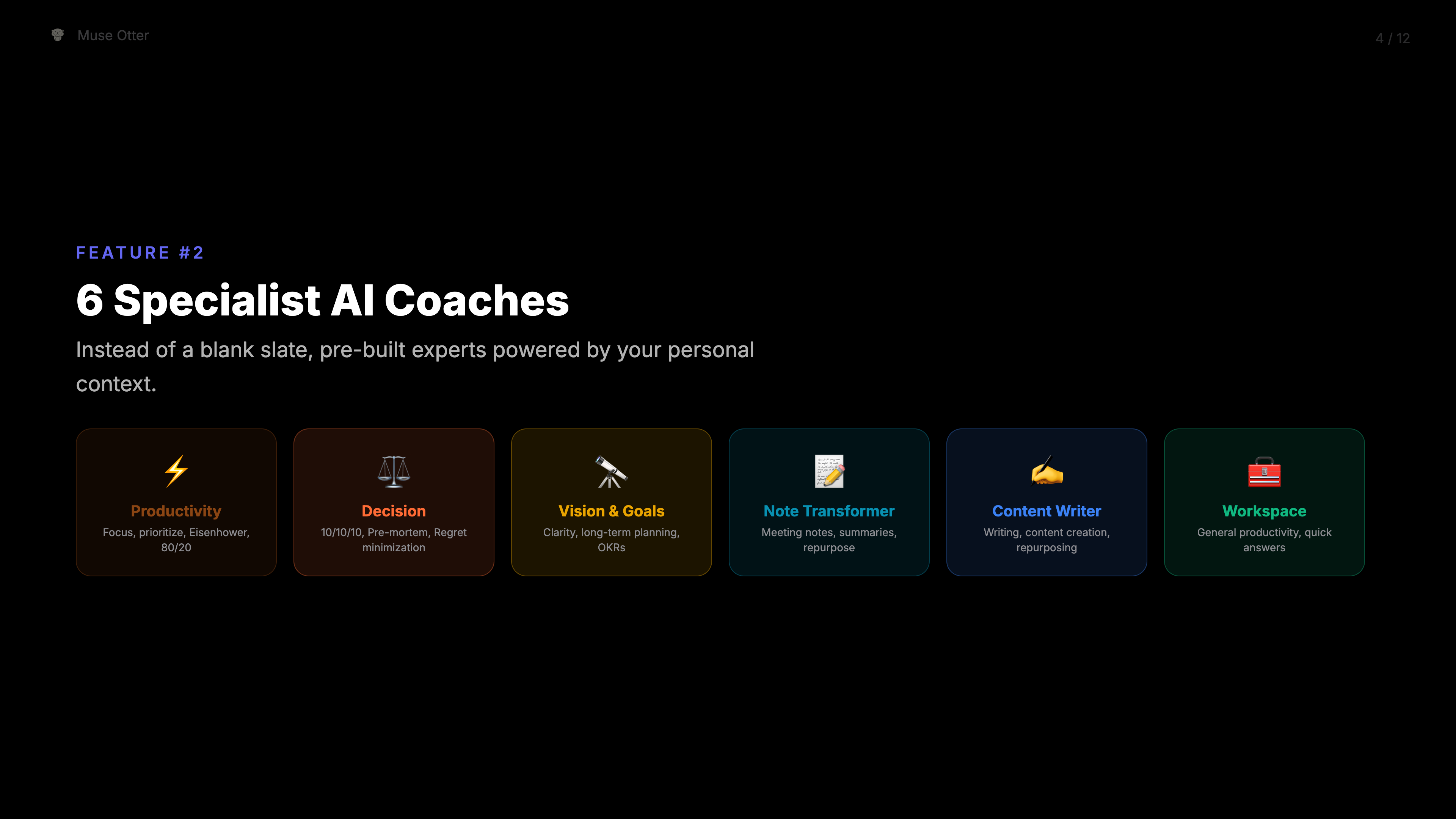
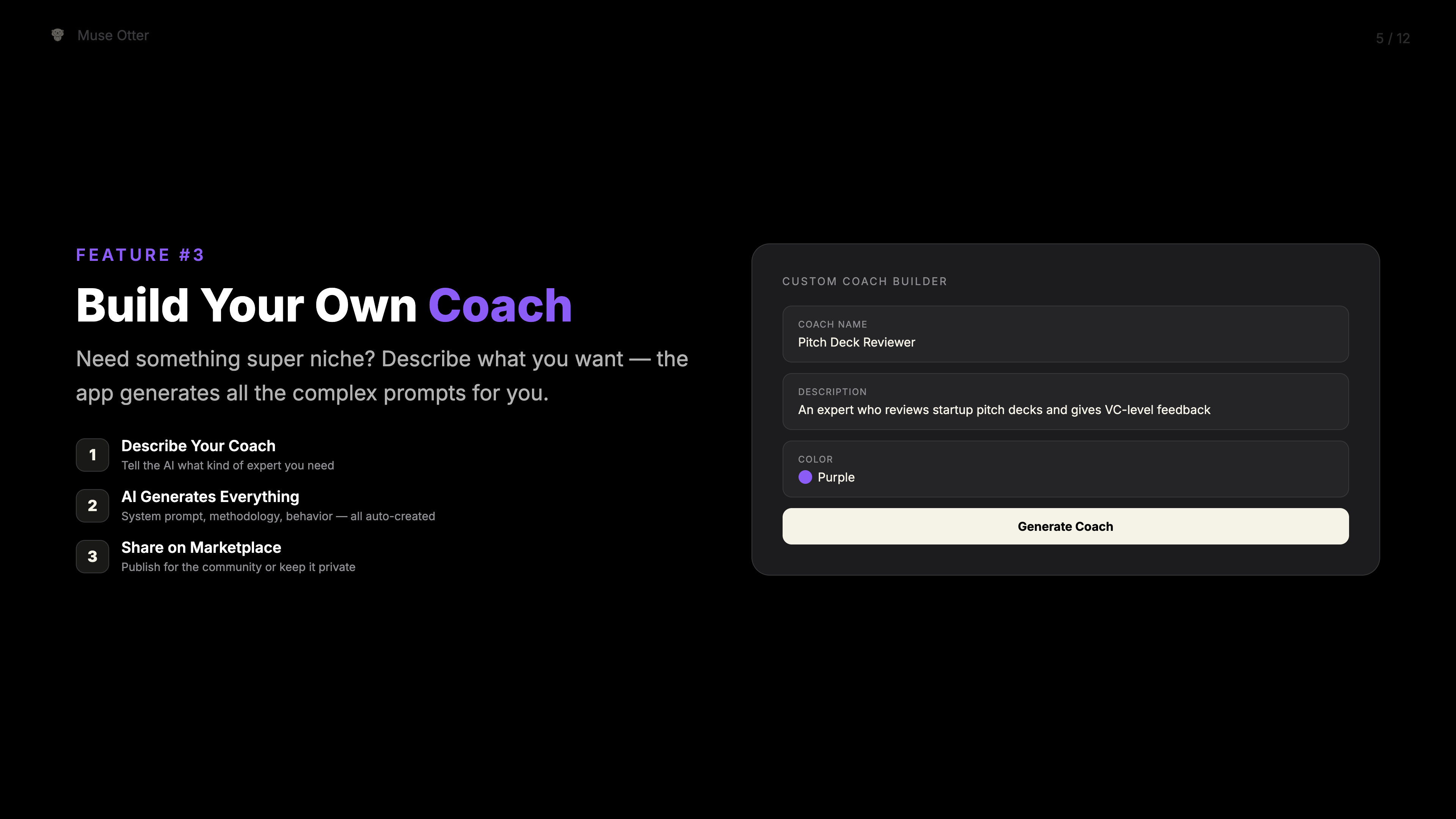
- Coaches — 6 specialists + custom builder
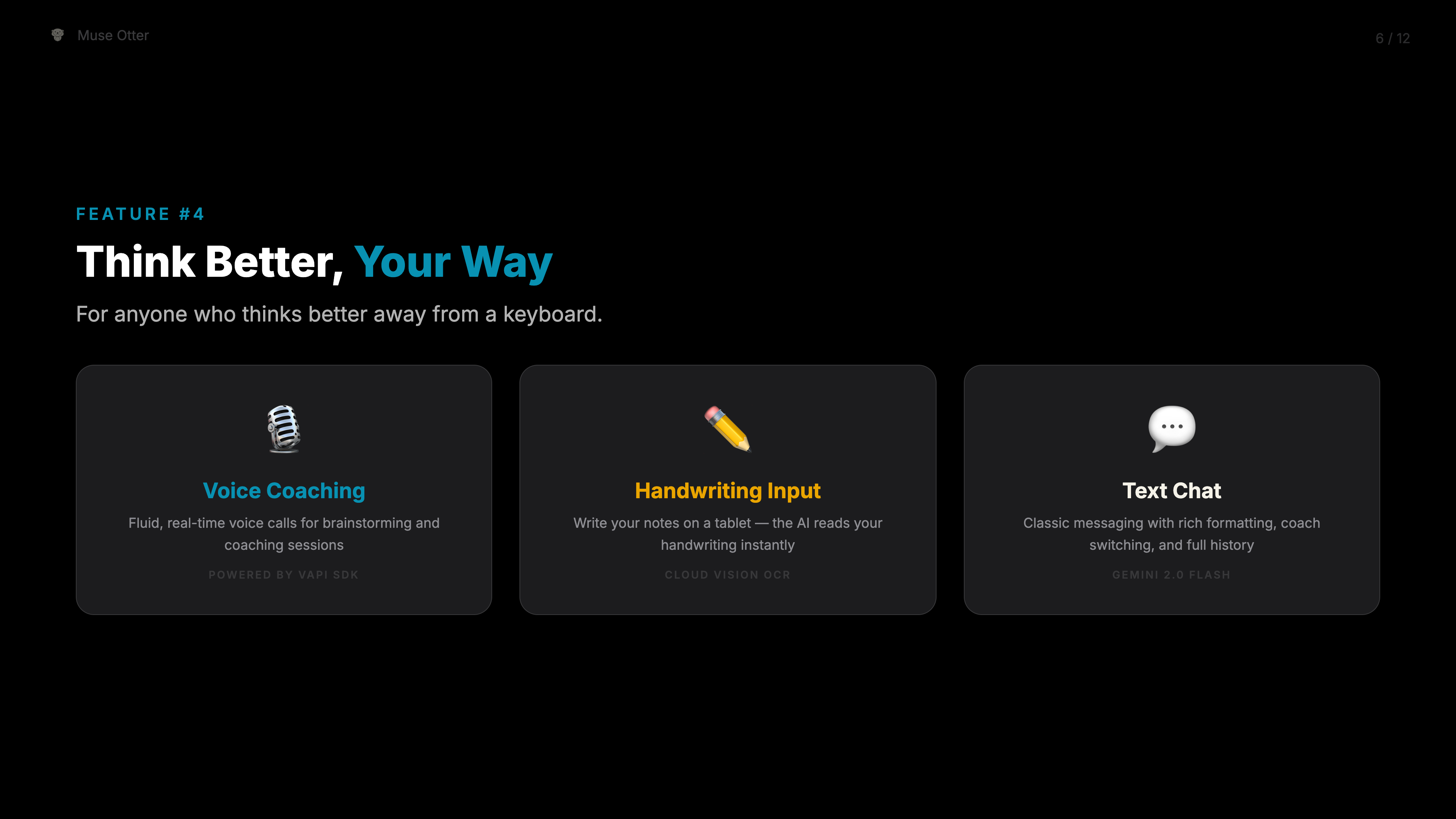
- Voice & Handwriting — Multi-modal input
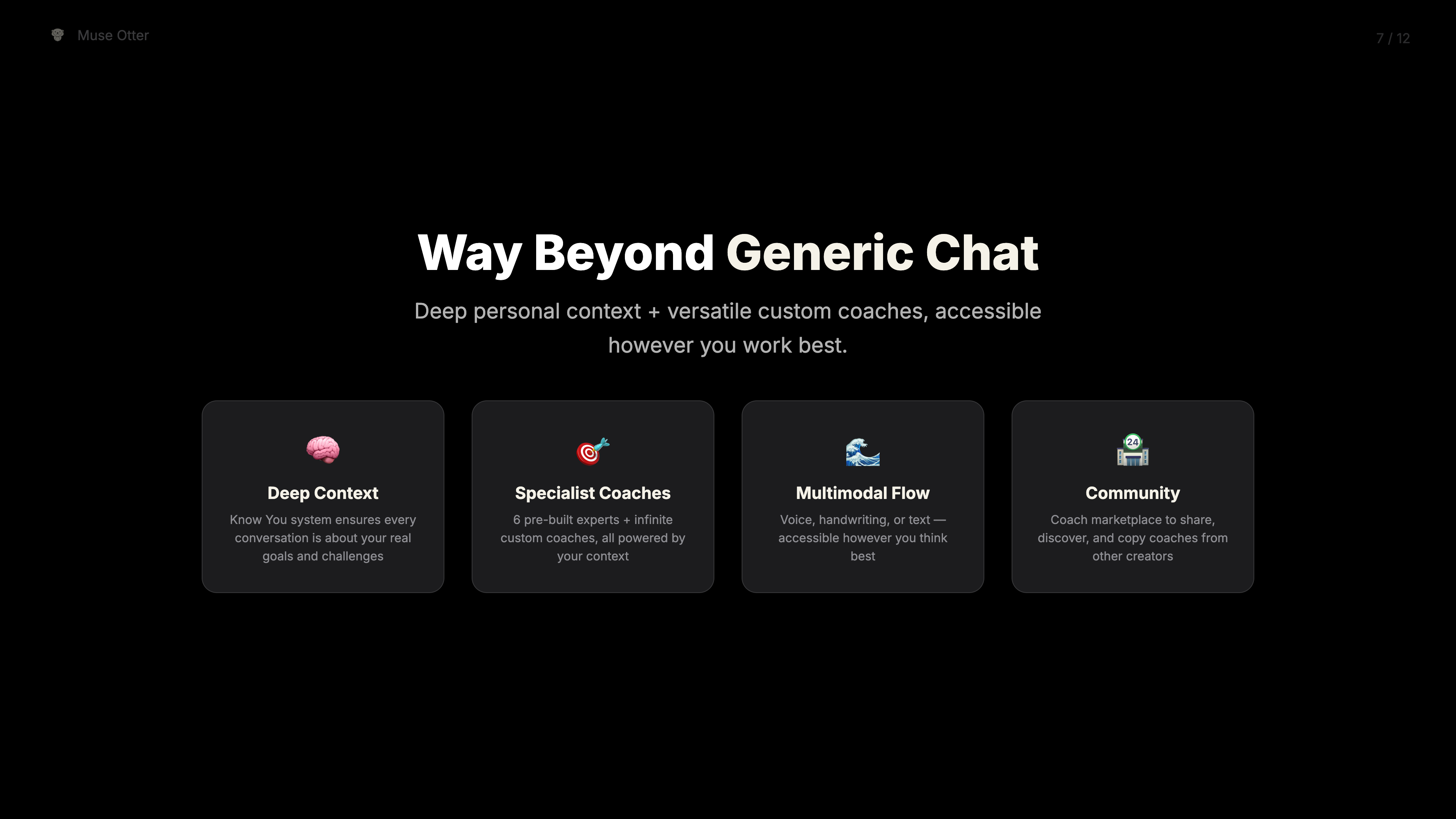
- Bottom line — Way beyond generic chat
So I restructured the deck to match. The slides now follow the exact same story as the video. Same order, same emphasis, same narrative arc.
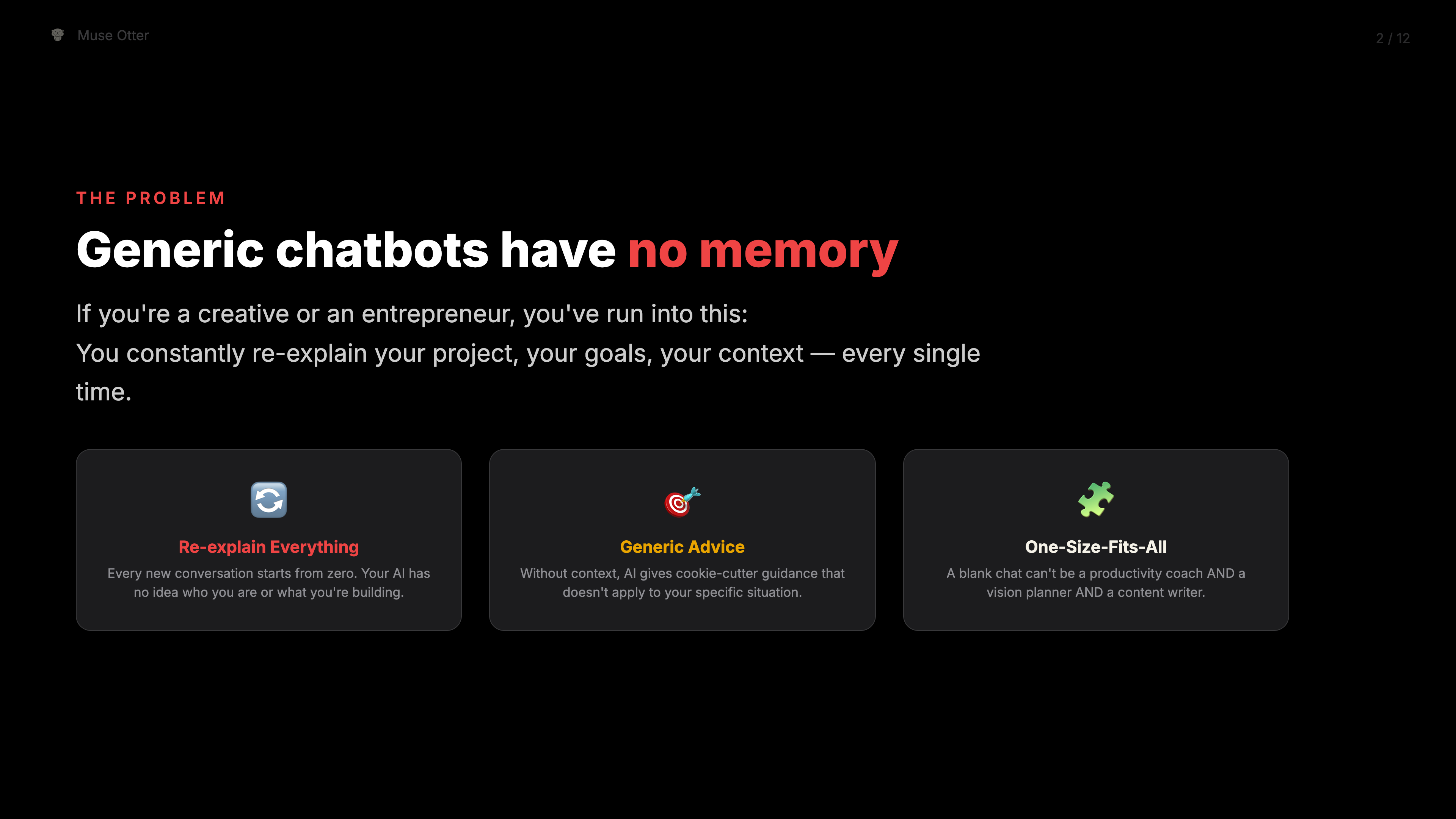 Problem slide — "Generic chatbots have no memory"
Step 5: Generate Slide Images
Needed individual images for sharing. Puppeteer + Chrome headless:
// 12 slides → 12 Retina PNGs
await page.setViewport({ width: 1920, height: 1080, deviceScaleFactor: 2 });

for (let i = 0; i < totalSlides; i++) {
  await page.screenshot({ path: `slide-${i}.png` });
}
30 seconds. 12 high-res images. No export dialog.
Step 6: Deploy to Firebase
Added a hosting site to firebase.json, added OG meta tags for social sharing, and deployed:
firebase deploy --only hosting:museotter-pitchLive at museotter-pitch.web.app with proper favicon, Open Graph image, and Twitter cards.
The Final Deck
12 slides, following the voiceover narrative:
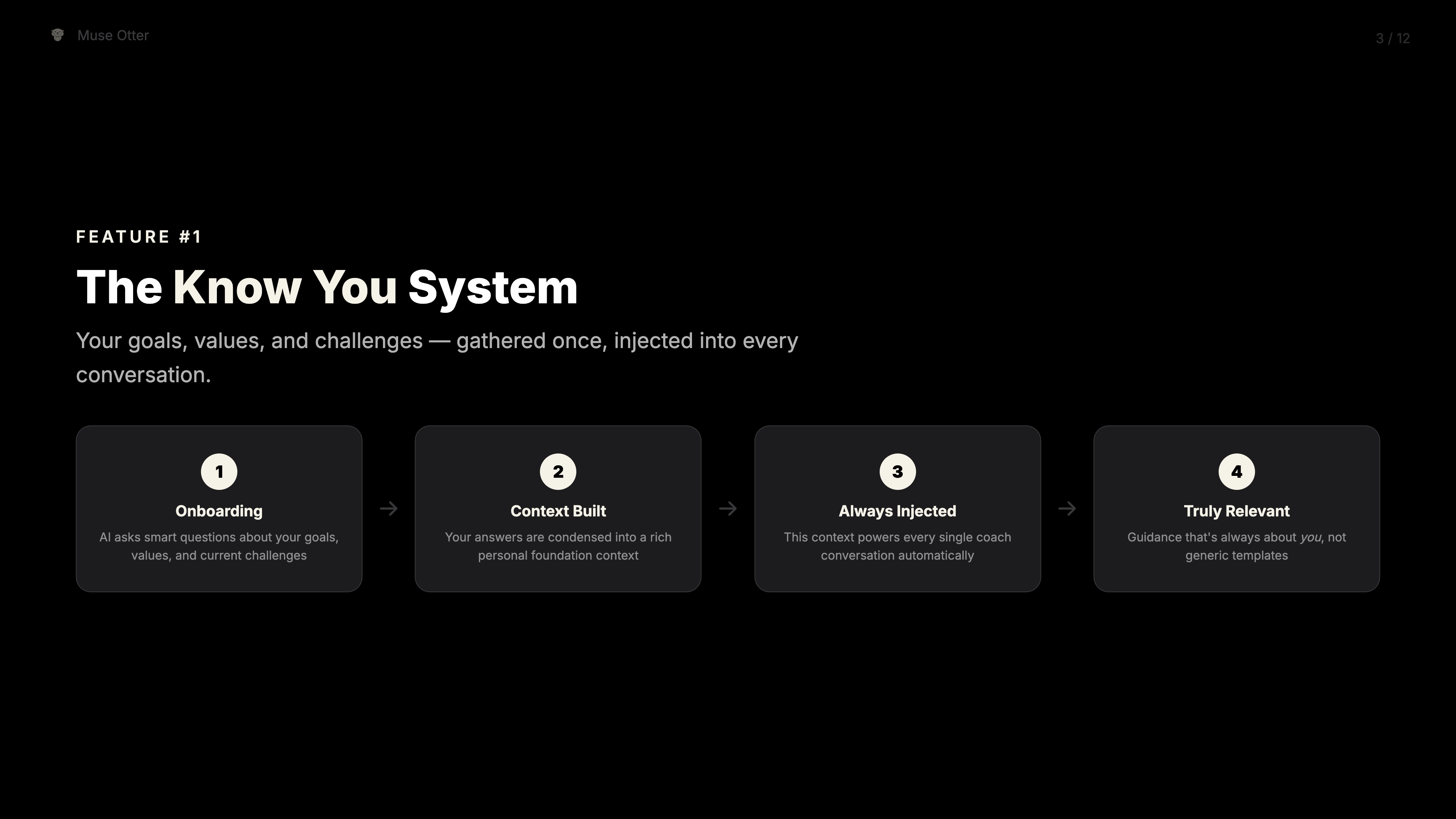
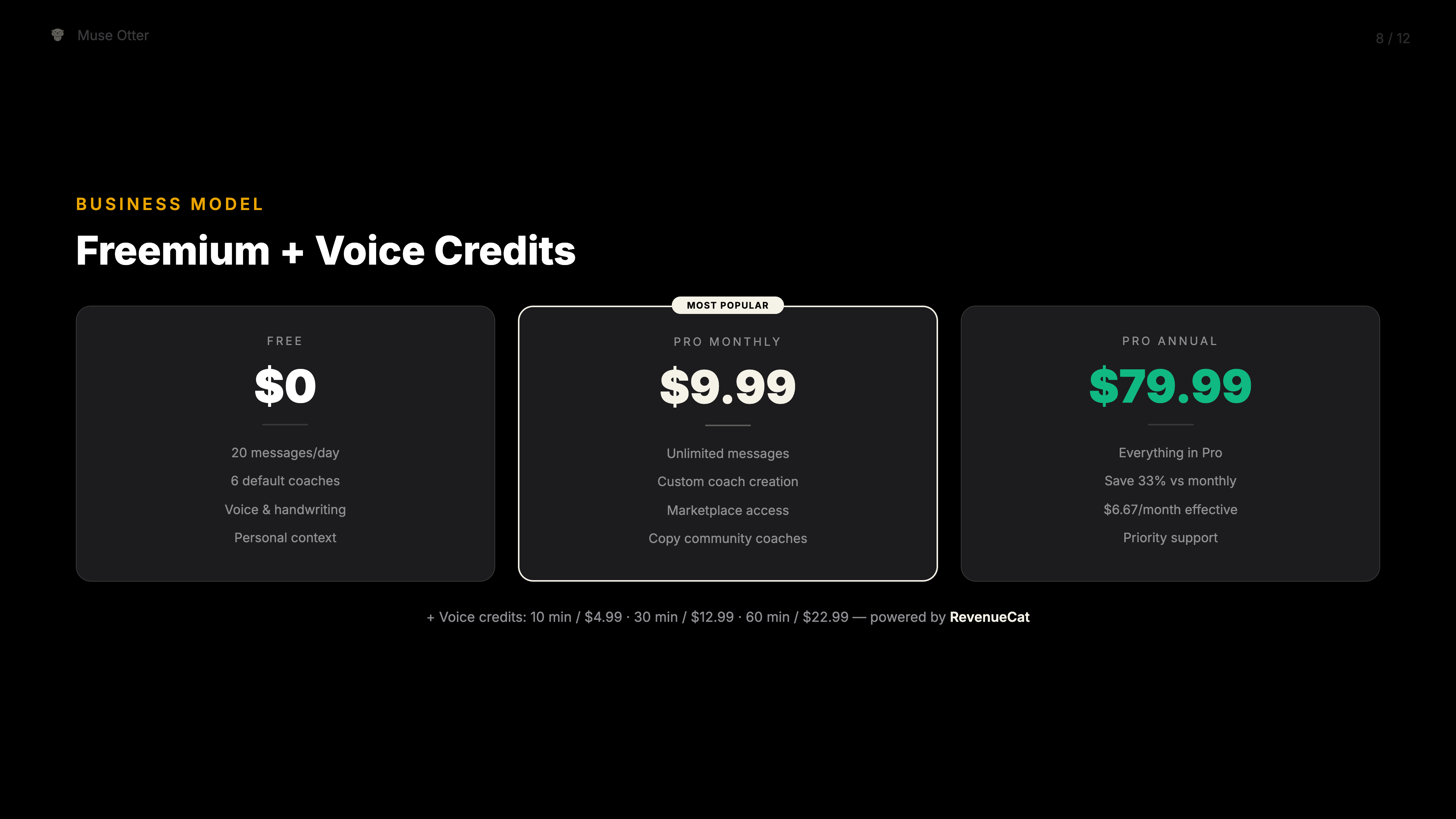
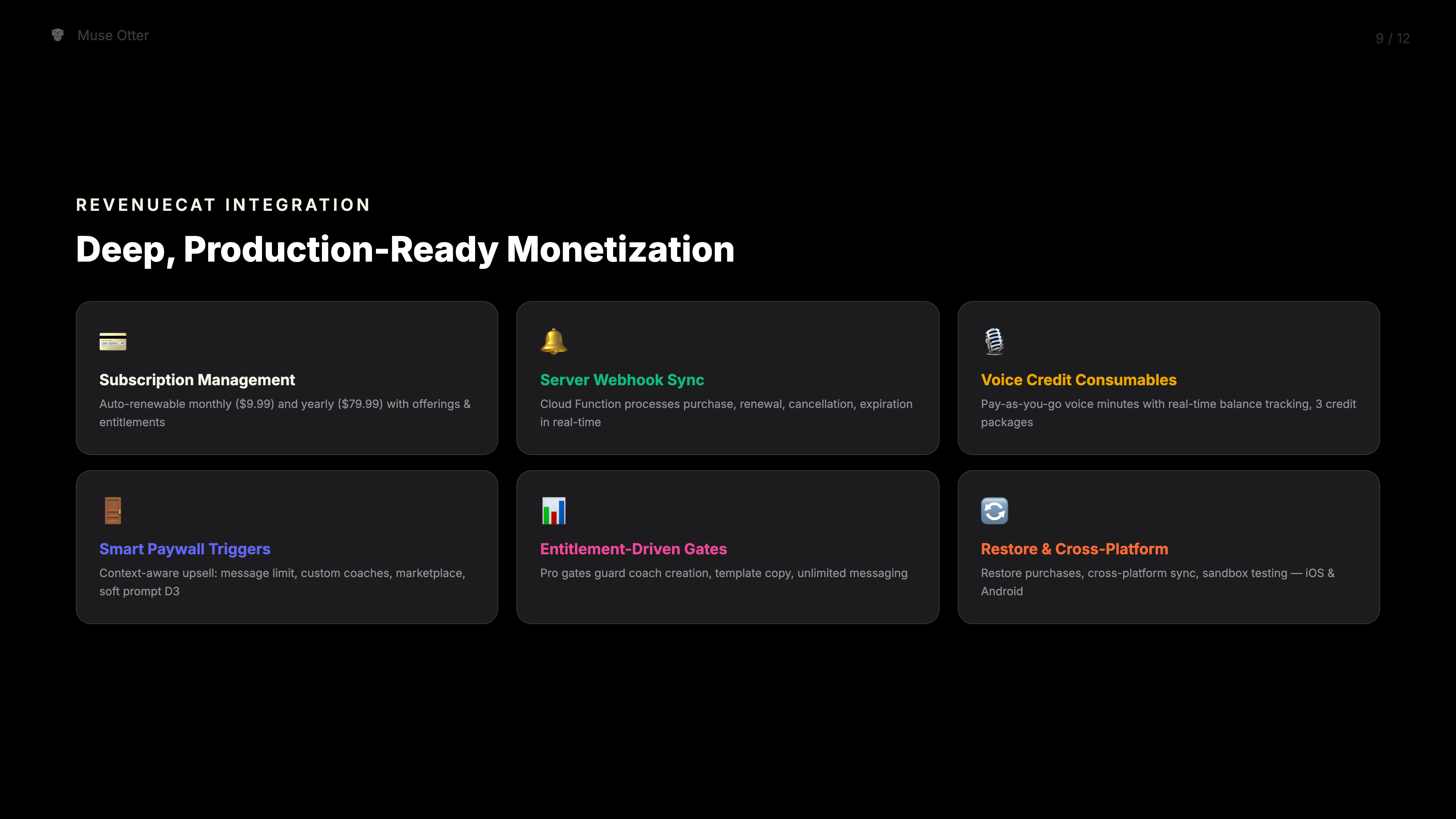
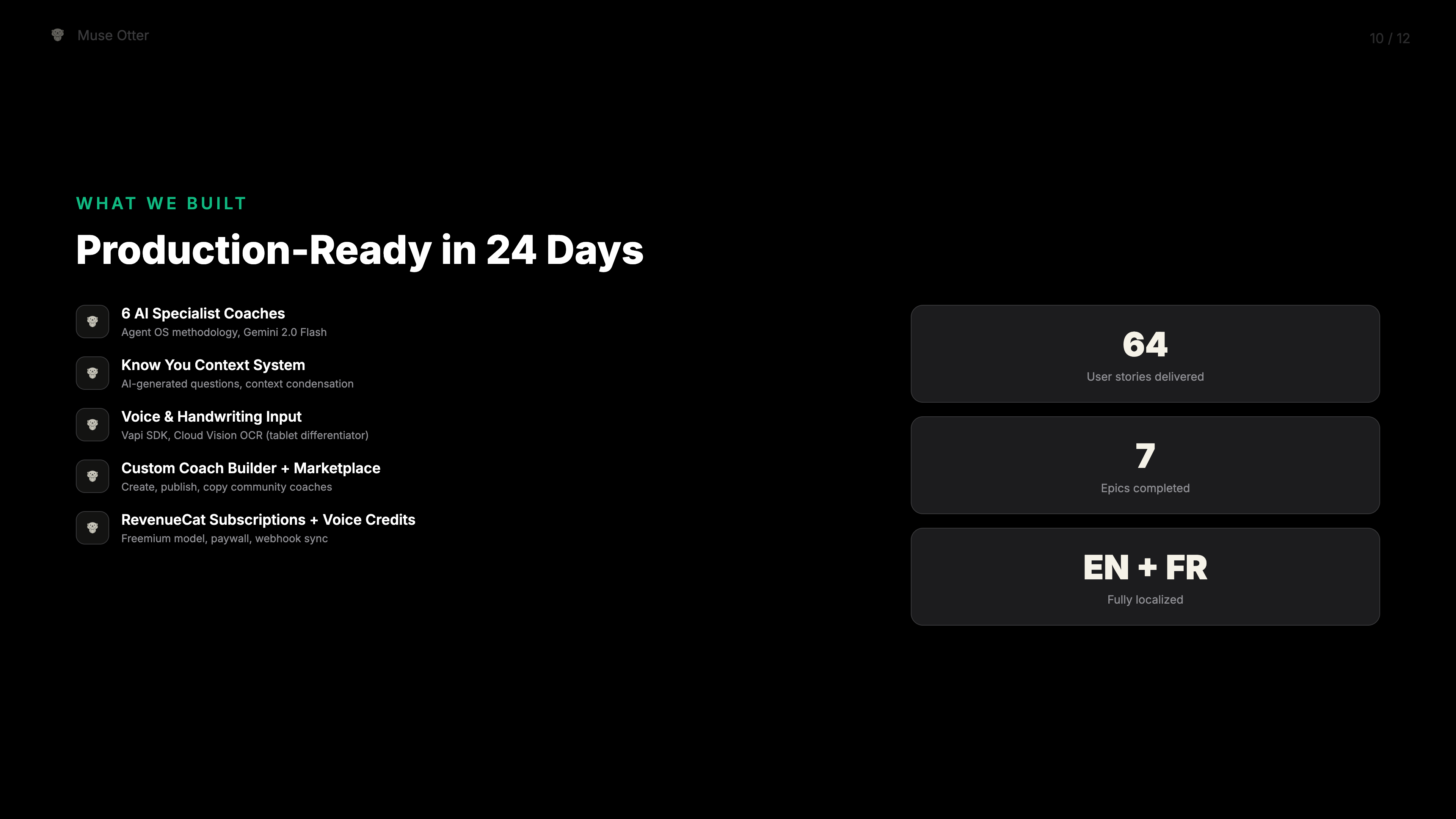
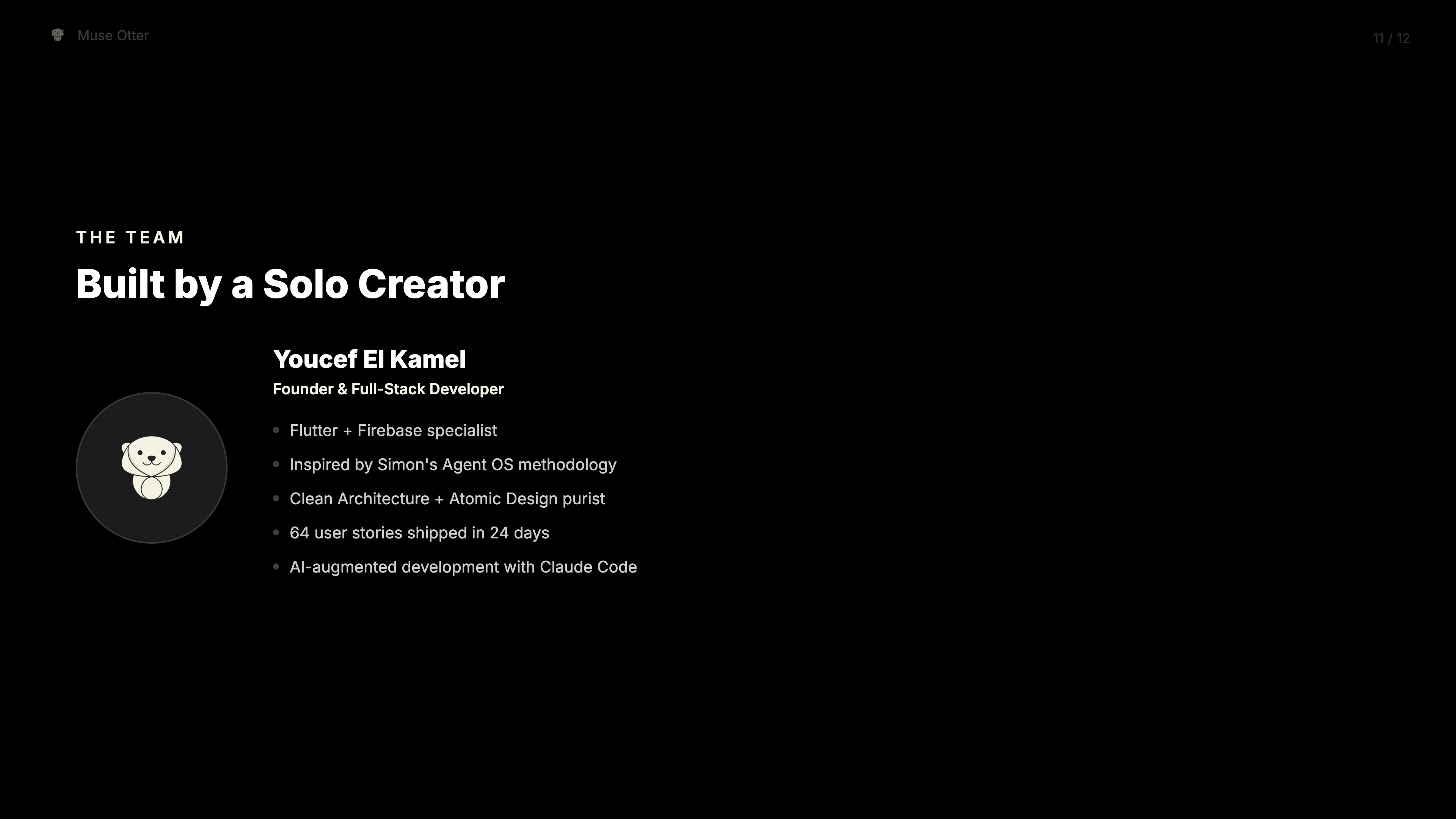
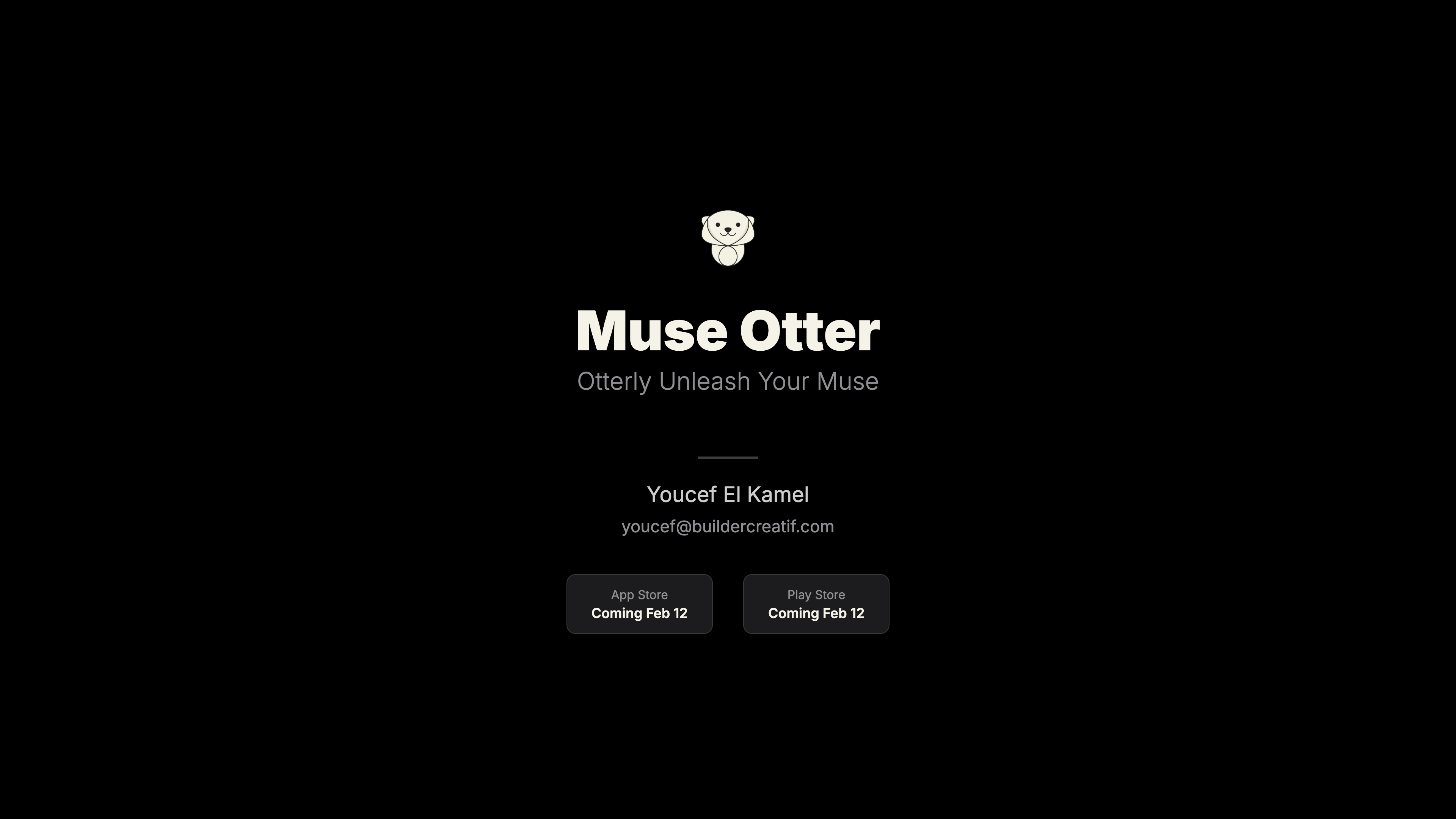
The Stack
| Tool | Role |
|---|---|
| Claude Code | Read project docs, generate HTML, deploy |
| HTML + CSS | Single-file presentation (1920x1080) |
| app_colors.dart | Brand colors pulled from Flutter theme |
| Puppeteer | Headless Chrome screenshots (Retina 2x) |
| Firebase Hosting | Deployment with OG tags |
| Project docs | PRD, brief, architecture = slide content |
Why This Works
The traditional flow: write a brief → open Figma → design slides → export → upload.
My flow: point AI at the codebase → deploy.
When your project documentation is good enough to build from, it’s good enough to present from. The PRD that guided development becomes the pitch. The theme that styles the app styles the deck.
Your codebase is your single source of truth. For everything.
Try It
Try Muse Otter — free, 20 messages/day
Built in one session. Deployed from the terminal. Zero design tools.